Popular Search
youtubeshortcodetwitterinstallactivate
Installing and Activating
Thank you for installing and using the Feed Them Social WordPress Plugin!
Installing and Activating the Plugin #
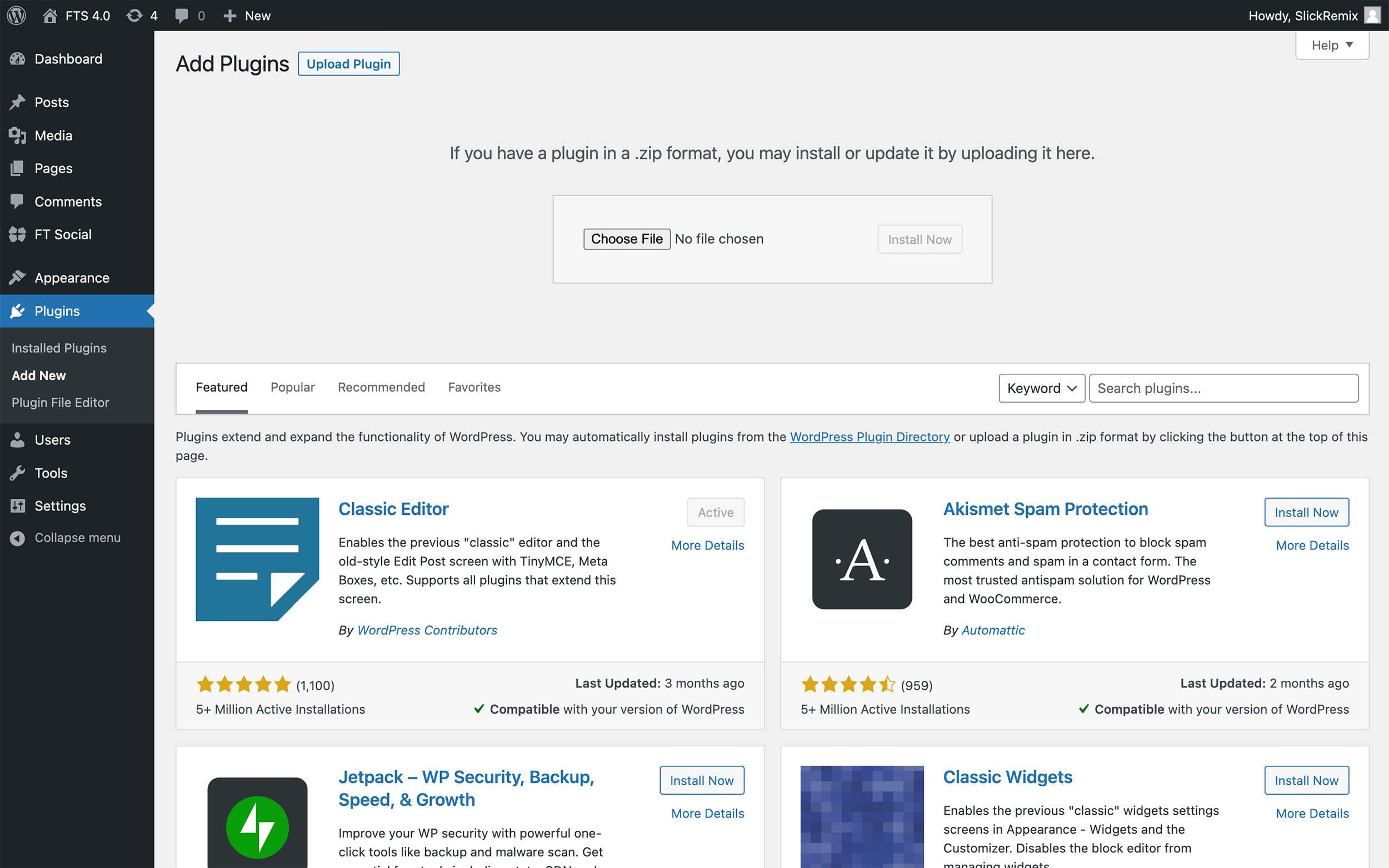
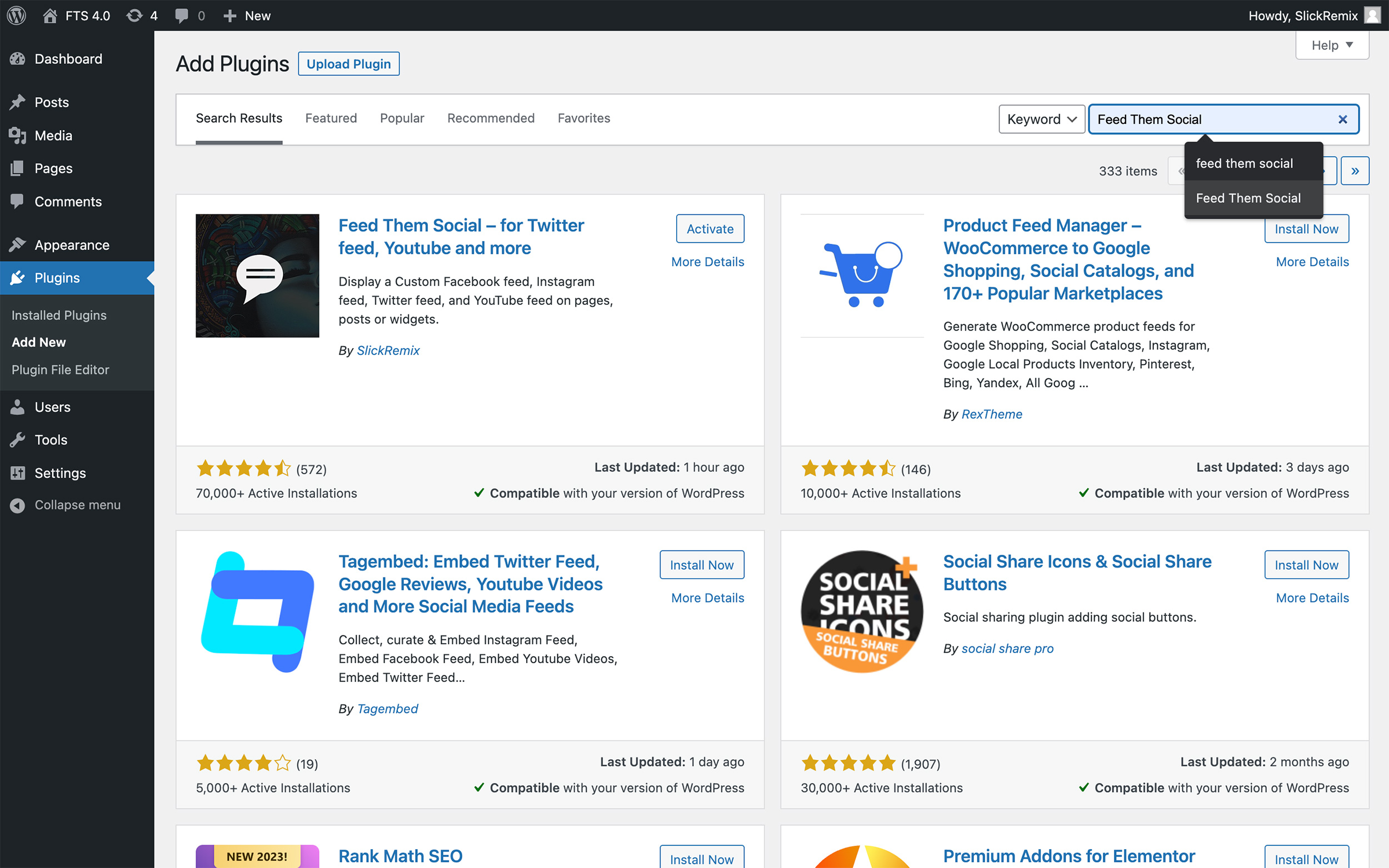
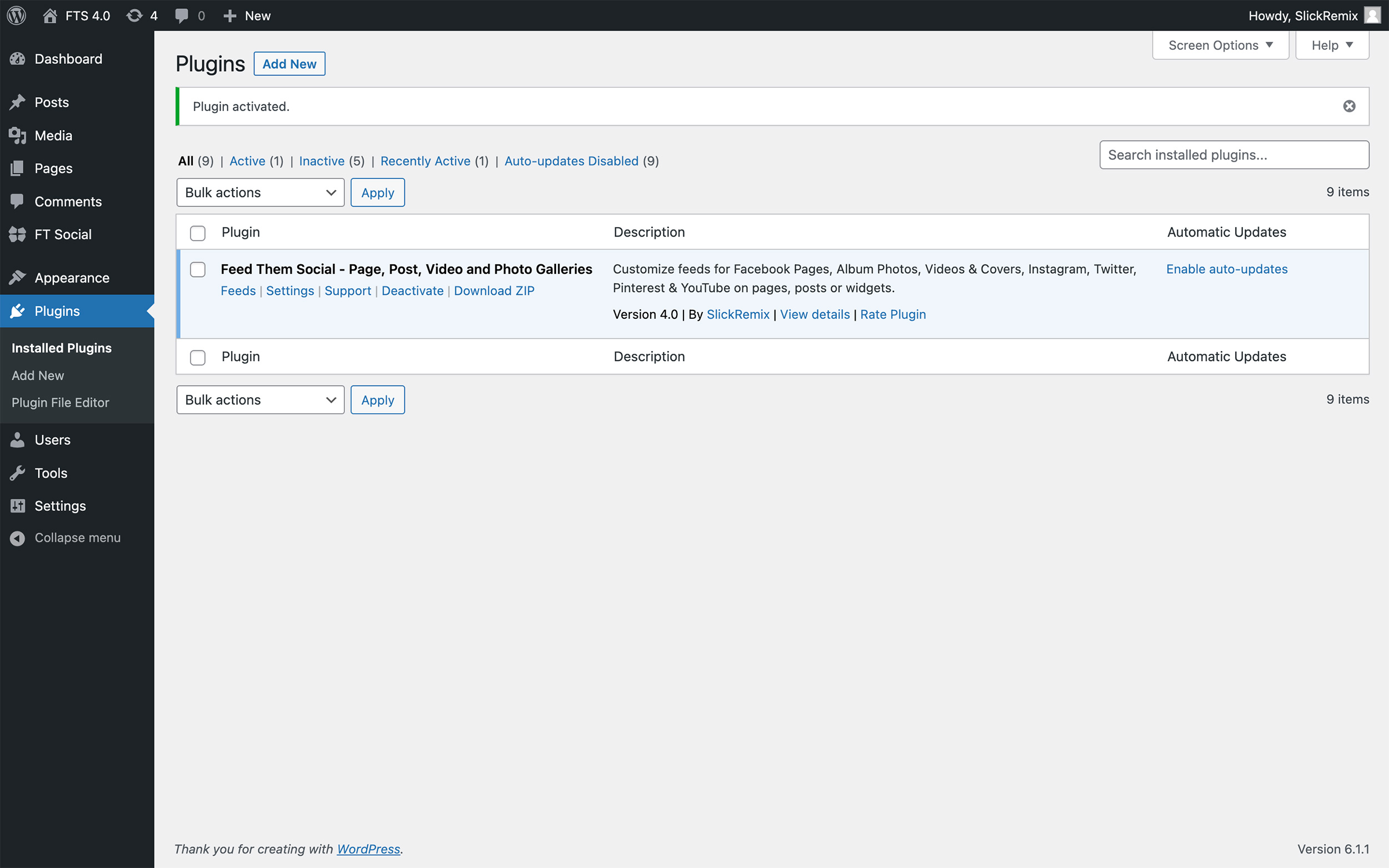
In order to create your first social feed, you will need to first install the plugin. If you have not already you can search the WordPress Repository for it by logging into the WordPress Dashboard you are trying to install it on. Click Plugins > Add New. From here you can add the Keyword search for Feed Them Social. Now Install and Activate the plugin.
Manually Adding Plugin #
You can also download Feed Them Social for free from the WordPress Repository. After you have downloaded the zip from the link, click the Plugins > Add New and upload the ZIP manually.